

Quick Answer: Website performance make money online efforts start with page speed, since even a one-second delay in load time can cut conversions by 7% or more. Tools like Google PageSpeed Insights and GTmetrix identify exactly what’s slowing your site down, while fixes like image compression, caching, and choosing better hosting typically bring meaningful, measurable revenue improvements within weeks. Faster, better-performing sites also rank higher in Google search results, creating a compounding effect between technical performance and actual income.
Why Website Performance Directly Affects Revenue
Website performance make money online outcomes are more connected than most site owners realize. A slow-loading site doesn’t just frustrate visitors, it actively costs money in three ways: visitors abandon the page before it even loads, Google ranks slower sites lower in search results, and conversion rates drop noticeably as load time increases past just a couple of seconds.
Amazon famously found that every 100 milliseconds of added load time cost them roughly 1% in sales. While most sites don’t operate at Amazon’s scale, the underlying principle holds true across nearly every type of online business: faster sites convert better, plain and simple.
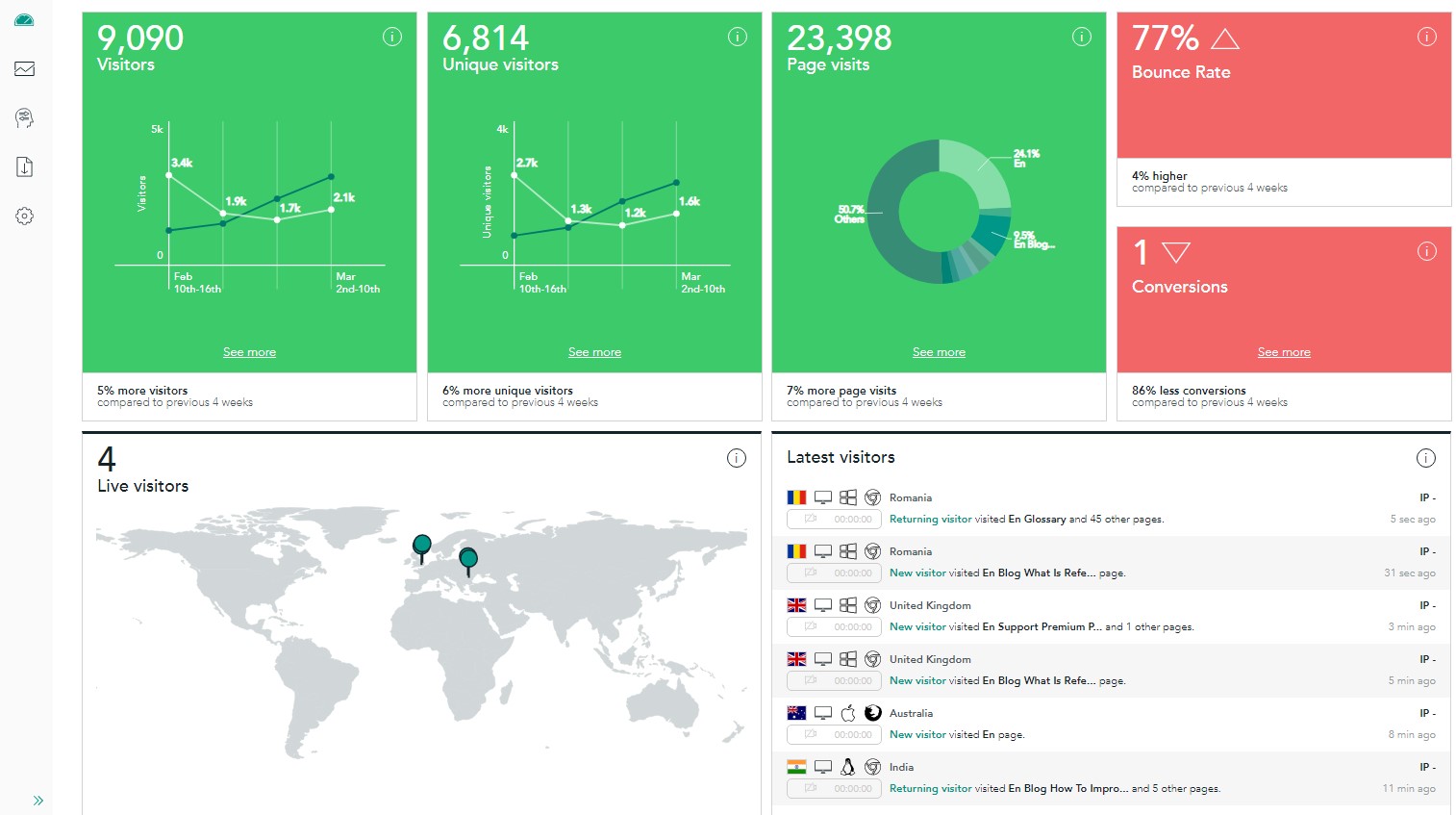
Diagnosing Website Performance Problems
- Google PageSpeed Insights is free and gives a detailed breakdown of exactly what’s slowing your site, along with specific fixes ranked by potential impact.
- GTmetrix offers similar diagnostics with additional detail on load time waterfall charts, useful for pinpointing exactly which resources are the biggest bottlenecks.
- Google Search Console’s Core Web Vitals report shows performance data based on real visitors, which can differ meaningfully from lab-based testing tools.
The Highest-Impact Performance Fixes
Not every performance issue is worth the same amount of effort. A few fixes consistently deliver the biggest improvement relative to the work involved:
- Image compression and modern formats like WebP, since unoptimized images are often the single biggest contributor to slow load times.
- Browser and server-side caching, which dramatically speeds up load times for returning visitors and reduces server load during traffic spikes.
- Choosing quality hosting, since budget shared hosting often becomes a hard performance ceiling no amount of optimization can fully overcome.
- Minimizing unnecessary plugins and scripts, especially on WordPress sites where each additional plugin adds its own loading overhead.

How Performance Connects to SEO Rankings
Google has explicitly confirmed that page speed and Core Web Vitals factor into search rankings. This means website performance improvements often produce a double benefit: better conversion rates from existing visitors, plus more organic traffic from improved search rankings over time. This connects closely with broader SEO and keyword research strategy, since even perfectly targeted content underperforms if the page itself loads too slowly for visitors to stick around.
For ecommerce specifically, performance improvements often show up fastest, since cart and checkout page speed directly affects whether a visitor actually completes a purchase before losing patience and leaving.
Website Performance Benchmarks to Aim For
| Metric | Good Target | Why It Matters |
|---|---|---|
| Largest Contentful Paint | Under 2.5 seconds | Measures how fast the main content becomes visible |
| First Input Delay | Under 100 milliseconds | Measures how quickly the page responds to interaction |
| Cumulative Layout Shift | Under 0.1 | Measures visual stability as the page loads |
Common Website Performance Mistakes
- Uploading full-resolution images directly without compressing them first, dramatically slowing page load for no visual benefit.
- Installing too many plugins or third-party scripts, each adding its own loading overhead that compounds across the whole site.
- Choosing hosting based on price alone, without considering the real performance ceiling budget hosting often creates.
- Never testing performance after making site changes, missing new issues introduced by recent updates or added features.
Frequently Asked Questions
How much can website speed improvements actually increase revenue?
Results vary by site and industry, but studies consistently show meaningful conversion rate improvements, often in the range of 5-20%, from significant load time reductions.
Is website performance more important than content quality?
Both matter together. Great content on a slow-loading site still loses visitors before they ever read it, while a fast site with weak content won’t retain visitors either.
What’s the fastest way to improve a slow WordPress site?
Start with image compression and a good caching plugin, two changes that typically deliver the biggest speed improvement for the least technical effort.
Do I need to hire a developer to fix website performance issues?
Not always. Many common issues, like image compression and enabling caching, can be handled with plugins or hosting-level settings without custom development work.
Bottom Line
Website performance make money online strategies work because speed directly affects both conversion rates and search rankings, two of the biggest levers for online income. Start by diagnosing issues with a free tool like PageSpeed Insights, prioritize the highest-impact fixes like image compression and caching, and treat ongoing performance monitoring as a standard part of running a profitable website.