Last updated August 2026
Video editing has become an essential skill for content creators, marketers, and hobbyists alike, and fortunately, powerful free video editing software is now widely available. This guide covers what beginners should look for in free video editing tools and how to choose the right one for your specific type of content.
Built-In Operating System Editors
Both major desktop operating systems include basic, free video editing tools designed for simple trimming, combining clips, and adding basic titles or music. These built-in tools are a genuinely good starting point for absolute beginners making simple videos, though they generally lack more advanced features like multi-layer effects or precise color grading tools.
Dedicated Free Video Editors
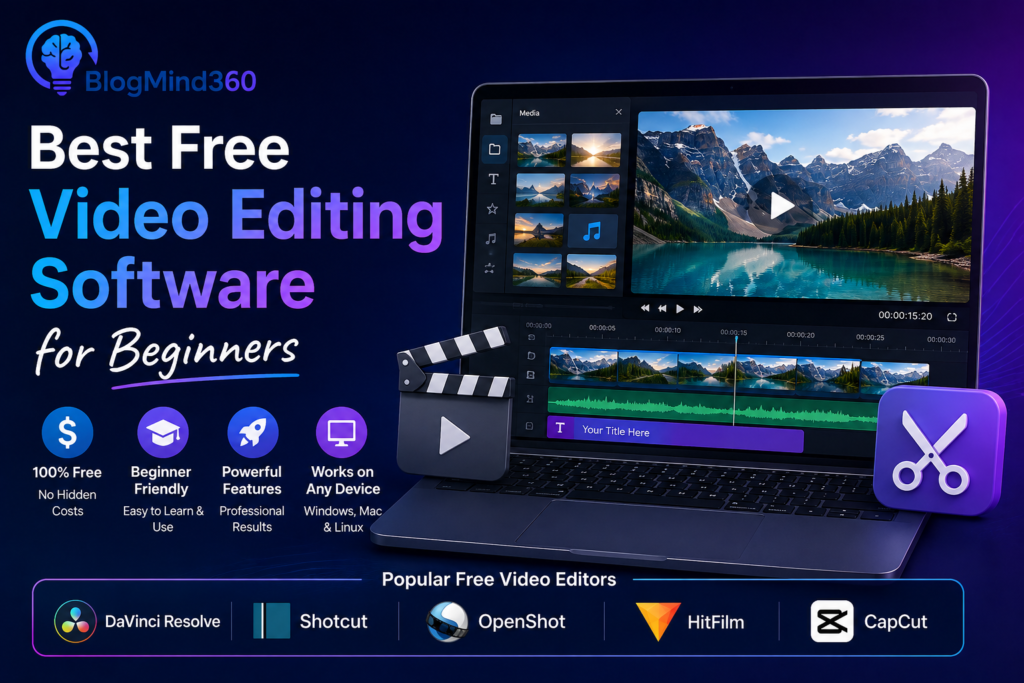
Several dedicated free video editing applications offer significantly more advanced capabilities than built-in operating system tools, including multi-track editing, more extensive effects libraries, and better support for advanced formats. These tools are well suited to beginners who’ve outgrown basic built-in editors but aren’t ready to invest in expensive professional software.
Mobile Video Editing Apps
For content created primarily for social media, free mobile video editing apps offer surprisingly capable tools directly on your phone, including trimming, effects, text overlays, and music syncing, optimized specifically for the vertical, short-form video format popular on many social platforms.
Many creators find editing directly on mobile faster and more convenient for quick social content, reserving desktop editing software for longer or more polished projects.
Key Features to Look For
Beyond basic trimming and combining clips, useful features to prioritize include multi-track support for layering video, audio, and text elements, a reasonable range of transitions and effects, and export options that support the resolution and format you need for your intended platform.
When to Consider Paid Software
Free video editing tools have improved significantly, but professional video production — involving advanced color grading, complex visual effects, or precise audio mixing — may eventually benefit from paid, professional-grade software. For most beginners and casual content creators, though, free tools offer more than enough capability to produce polished, engaging videos.
Frequently Asked Questions
Is free video editing software good enough for YouTube content?
Yes, many successful YouTube creators use free or low-cost editing tools, particularly when starting out.
Do free video editors add watermarks to exported videos?
Some free tools add watermarks or limit export quality unless you upgrade to a paid tier.
Can I edit 4K video with free software?
Many free video editors now support 4K editing, though performance depends on your computer’s hardware.
Is mobile video editing as good as desktop editing?
Mobile apps have become quite capable for social content, though desktop offers more precise control for complex projects.
How long does it take to learn basic video editing?
Most beginners can learn fundamentals within a few hours of practice.
Should I learn on free software before buying paid software?
Yes, starting free lets you build foundational skills before investing in paid software.
Conclusion
Free video editing software has become genuinely capable, offering beginners a real path to producing polished, professional-looking content without any upfront software cost. Starting with a free tool suited to your specific content type provides a solid foundation before considering paid options as your needs grow more advanced.