
Quick Answer: Improving project management productivity comes down to three habits: using a single source of truth for task status instead of scattered emails and messages, breaking large projects into small, clearly-owned tasks with real deadlines, and holding shorter, more focused check-ins instead of long status meetings. Teams that apply these project management productivity strategies consistently finish projects faster and with fewer last-minute surprises, since problems surface early instead of getting buried until a deadline is already at risk.
Why Project Management Productivity Breaks Down
Project management productivity suffers most often not because a team lacks effort, but because information is scattered. A task update lives in a Slack message, a deadline change lives in someone’s inbox, and the actual project plan lives in a spreadsheet nobody has opened in two weeks. Without a single, current source of truth, team members waste real time just figuring out what the current status even is.
The second major drain is unclear ownership. When a task technically belongs to “the team” rather than one named person, it tends to sit untouched until someone finally asks about it directly. Clear, individual ownership, even on tasks that require collaboration, is one of the simplest project management productivity fixes available, since it removes the ambiguity about who’s actually responsible for moving something forward.
Meetings compound both problems. A status meeting that exists to catch everyone up on information that should have been visible in a shared tool is, by definition, solving a communication problem with more communication, rather than fixing the underlying visibility gap.
Project Management Productivity Tools Worth Using
The right tool removes the scattered-information problem directly, rather than just making status meetings shorter. A few categories consistently deliver results:
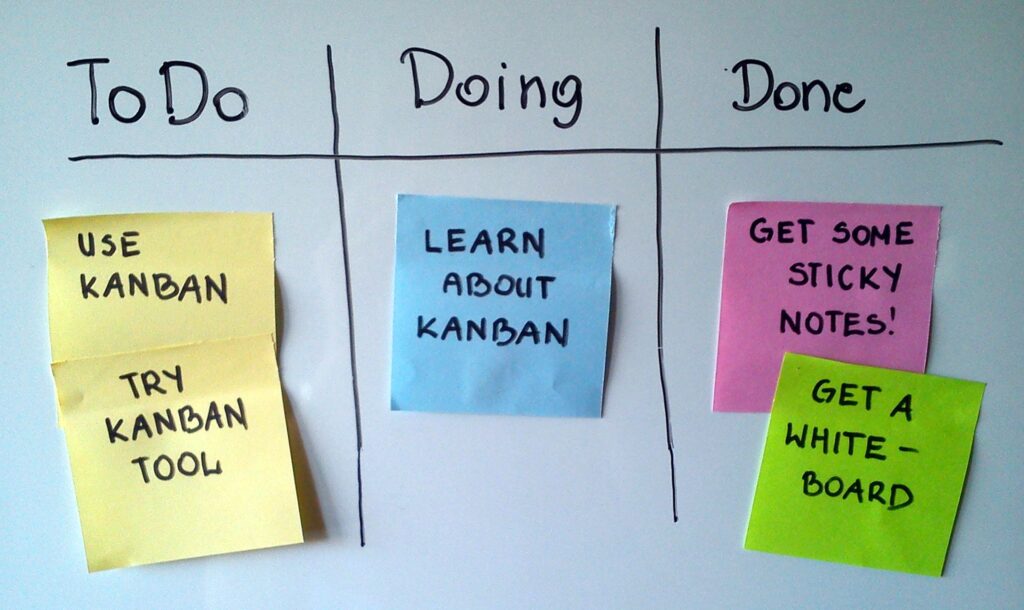
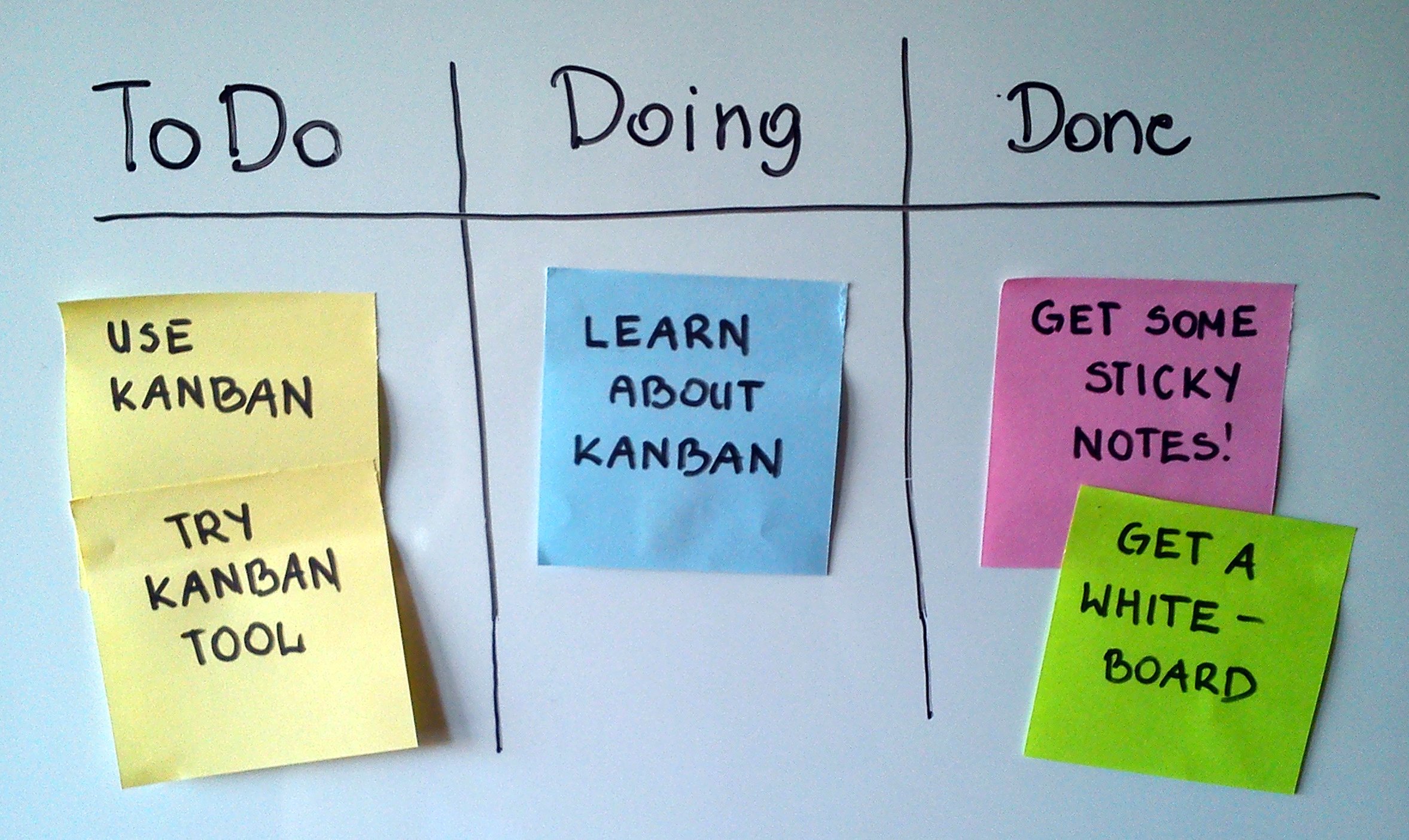
- Kanban-style boards like Trello or Asana give every task a visible status, moving it through columns like “to do,” “in progress,” and “done” instead of relying on memory or messages.
- Gantt chart tools such as Monday.com or Smartsheet map out dependencies between tasks, showing exactly what’s blocking what when a deadline is at risk.
- Async communication tools like Loom or written status updates reduce the number of live meetings needed just to share routine progress.
- Time tracking integrations built into tools like ClickUp show where hours are actually going, often revealing that a “quick task” is quietly consuming disproportionate time.
- Automated status reminders can nudge a task owner automatically when a deadline is approaching, instead of requiring a project manager to chase updates manually.
As with most productivity tooling, the goal is one well-adopted platform the whole team actually uses consistently, rather than several overlapping tools that fragment where information lives.
Break Projects Into Small, Owned Tasks
One of the highest-leverage project management productivity strategies is decomposing large projects into small tasks, each with one clearly named owner and a specific deadline. A project item like “build the new landing page” is too vague to track meaningfully. Breaking it into “write landing page copy (owner: Sam, due Thursday)” and “design landing page mockup (owner: Priya, due Friday)” makes progress visible and accountability clear.
This granularity matters because vague, large tasks tend to sit unstarted far longer than a small, specific one. A task that clearly takes two hours gets started far more readily than an ambiguous multi-day item that never quite feels like the right moment to begin.
A practical rule of thumb: if a task can’t reasonably be finished within a few days, it’s actually a mini-project and should be broken down further into smaller, sequential tasks with their own owners and deadlines.
Reduce Meetings, Increase Async Updates
Project management productivity improves significantly once routine status updates move out of live meetings and into asynchronous formats. A short written update, or a two-minute recorded video, communicates the same information as a 30-minute status meeting, without requiring every team member to be available at the same time.
Live meetings still matter for genuine discussion, decision-making, and resolving disagreements. What they’re poor at is simply relaying information that could have been written down and read in a fraction of the time. A useful test before scheduling any meeting: could this be a written update instead? If yes, it usually should be. When a live meeting is genuinely needed, our video conferencing software comparison covers which platforms handle recording and async catch-up viewing best.

Managing Dependencies Without Losing Momentum
Most project delays don’t come from any single task running late. They come from dependencies: Task B can’t start until Task A finishes, and nobody flagged that Task A was behind schedule until it was too late to adjust. Project management productivity depends heavily on making these dependencies visible from the start, rather than discovering them reactively.
Gantt charts and dependency-mapping features in tools like Monday.com or Asana make this visible automatically, flagging when a delayed task threatens to push back everything that depends on it. Building in small buffers between dependent tasks, rather than scheduling everything back-to-back with zero slack, also protects the overall timeline from a single slipped deadline cascading through the entire project.
A Simple Comparison of Project Management Approaches
| Approach | Best For | Typical Tools |
|---|---|---|
| Kanban board | Ongoing work with flexible priorities | Trello, Asana |
| Gantt chart | Projects with strict deadlines and dependencies | Monday.com, Smartsheet |
| Sprint-based (Agile) | Software teams working in fixed cycles | Jira, Linear |
| Simple checklist | Small teams or solo projects | Notion, Todoist |
Most small teams get the best results starting with a kanban board, since it’s flexible enough to handle changing priorities without the overhead of strict sprint planning or detailed dependency mapping.
Common Project Management Productivity Mistakes
A few habits quietly undermine project management productivity even with good tools in place:
- Assigning tasks to “the team” instead of one named owner, which diffuses accountability and slows everything down.
- Scheduling recurring status meetings by default, rather than checking whether an async update would work just as well.
- Letting tools go stale, where the project board no longer reflects actual real-world status because updates stopped happening.
- Overloading a single sprint or week with too many tasks, guaranteeing some will slip regardless of how well they’re tracked.
- Ignoring dependency risk until a downstream task is already blocked, rather than flagging it as soon as an upstream task starts running late.
Project Management Productivity for Remote Teams
Remote and distributed teams face an added project management productivity challenge: time zone gaps mean live meetings can’t always include everyone, making async-first workflows less of an optional improvement and more of a necessity. A written or recorded status update that anyone can review on their own schedule keeps a distributed team aligned without forcing awkward meeting times across time zones.
Clear documentation becomes even more important remotely, since there’s no ability to walk over and ask a quick clarifying question in person. Investing extra time upfront in clear task descriptions, acceptance criteria, and context pays off repeatedly for remote teams, reducing the back-and-forth that would otherwise happen instantly in an office setting. If your team is exploring broader productivity strategies for remote and hybrid work, many of the same async-communication principles apply directly to project management as well.
Measuring Project Management Productivity
Tracking the right signals helps confirm whether project management productivity changes are actually working, rather than just feeling more organized. A few metrics worth watching:
- Cycle time: how long it takes a task to move from “started” to “done,” which should trend downward as bottlenecks get resolved.
- On-time completion rate: the percentage of tasks finished by their original deadline, a direct signal of whether planning estimates are realistic.
- Meeting hours per week: tracking this explicitly often reveals how much time async updates have actually freed up.
- Blocked task count: how many tasks are sitting stalled at any given time, which should shrink as dependency tracking improves.
Most project management tools calculate cycle time and completion rate automatically once tasks are tracked consistently, so this data doesn’t require extra manual reporting work once the system is in place.
What Project Management Tools Cost
Cost is rarely the barrier to better project management productivity. Trello, Asana, and ClickUp all offer usable free tiers for small teams, and paid plans for growing teams typically run $8 to $15 per user per month. Even Monday.com and Smartsheet, which offer more advanced Gantt and dependency features, start in a similar range for small teams.
The real cost is the time spent migrating existing work into a new system and getting the whole team to adopt it consistently. That transition period, typically a few weeks, is where most project management productivity initiatives succeed or fail, since a tool that half the team ignores provides little benefit over the scattered status quo it was meant to replace.
A Realistic Before-and-After Example
Consider a marketing team running product launches with tasks scattered across email threads, a shared spreadsheet, and verbal updates in a weekly meeting. Deadlines routinely slip because nobody notices a blocked task until the weekly meeting surfaces it, sometimes days after it first became a problem.
After switching to a kanban board with clear task ownership and async daily updates, blocked tasks get flagged the moment they happen rather than during a weekly review. The team still meets weekly, but that meeting shifts from status-reporting to actually solving the two or three real blockers that came up, cutting meeting time while improving how quickly problems get resolved.
Frequently Asked Questions
What’s the single biggest project management productivity fix?
Assigning every task to one clearly named owner with a specific deadline, rather than leaving tasks assigned to “the team,” is usually the single highest-impact change a team can make.
Do I need expensive software to improve project management productivity?
No. Free tiers of tools like Trello, Asana, and Notion cover the core needs of most small teams. The bigger factor is consistent adoption, not the specific tool’s price tag.
How many status meetings should a project need?
Fewer than most teams currently hold. Routine status updates that don’t require live discussion work well as async written or recorded updates, reserving live meetings for genuine decisions and problem-solving.
What’s the difference between a kanban board and a Gantt chart?
A kanban board tracks task status through columns like “to do” and “done,” best for flexible, ongoing work. A Gantt chart maps out timelines and dependencies between tasks, better suited for projects with strict deadlines.
How small should project tasks be?
If a task can’t realistically be completed within a few days, it’s usually a mini-project that should be broken into smaller, individually owned tasks with their own deadlines.
Does project management productivity work differently for remote teams?
Yes. Remote teams benefit even more from async communication and clear documentation, since time zone differences make live meetings harder to schedule for everyone at once.
Bottom Line
Project management productivity comes down to visibility, ownership, and reducing unnecessary live meetings. A single source of truth for task status, clearly assigned owners on small, specific tasks, and async updates in place of routine status meetings together solve most of what slows projects down. None of these changes require expensive tools, just consistent adoption of a clearer process.